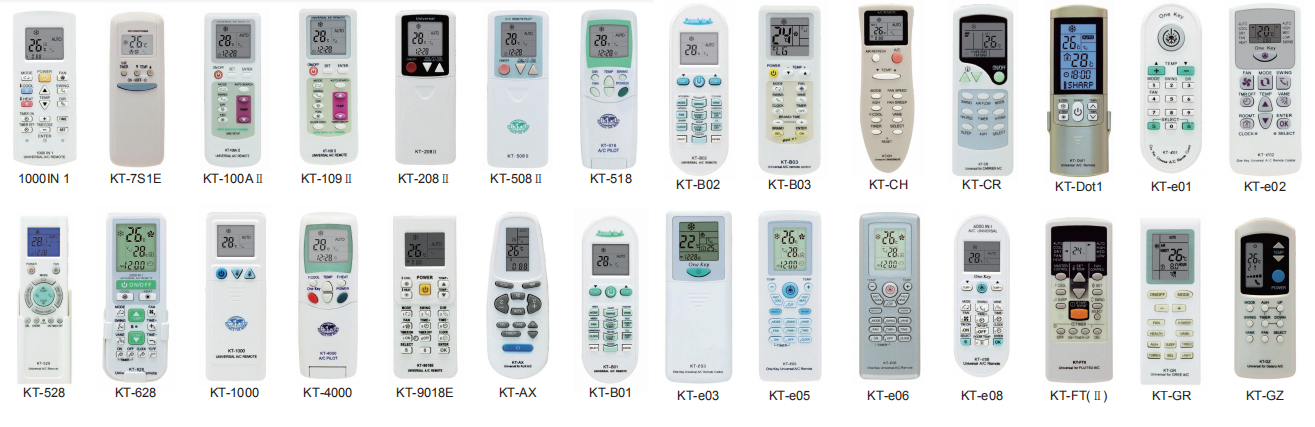
Power on the AC unit and face the Universal AC Remote towards it. Press the "Set" button for 2-5 seconds contineously. A number (Code) at the lower right corner of your remote starts blinking. Increase or decrease the blinking number (Code) either automatically by pressing set button once, or manually by pressing the temperature up or down button. Go on and continue pressing up or down button and keep changing the code one by one up to 999. Depending on your AC brand, at a certain code, the AC responds with a "Beep" sound. Make sure to stop at this code ( You may press the temperature up or down button at this stage to confirm the code in which AC beeps). The AC beeps, STOP there, and press the "OK" button. Your universal AC remote is ready to be used.